Welcome to the tour of our Online Compliance Center
In this guided tour, we will introduce you to the key features and the dashboards of the “Backup & Restore” and “Compliance Archive” modules.
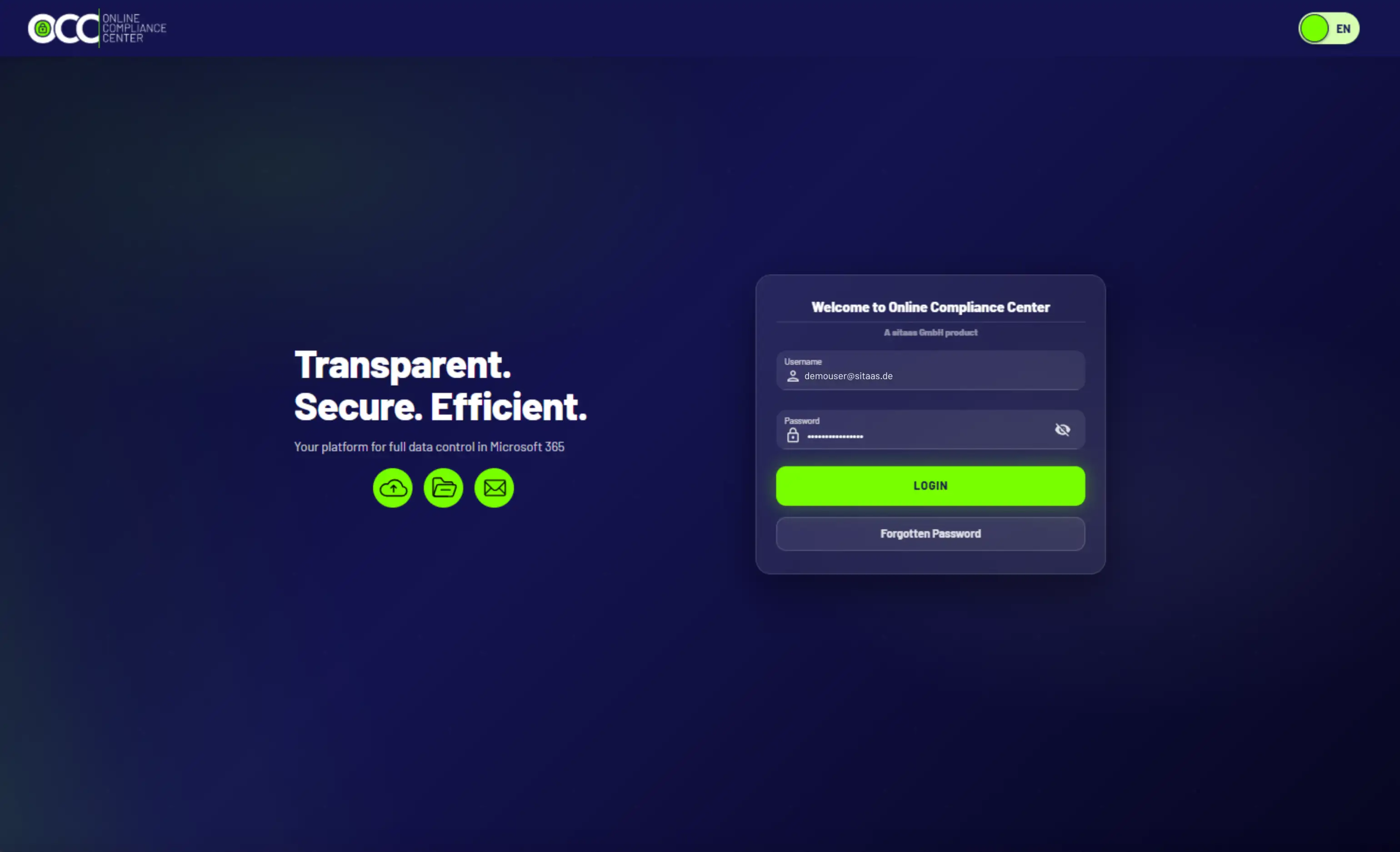
With your login, you will access your individual cloud instance.
Your Compliance Dashboard
Get an overview of the Online Compliance Center as well as your system availability.
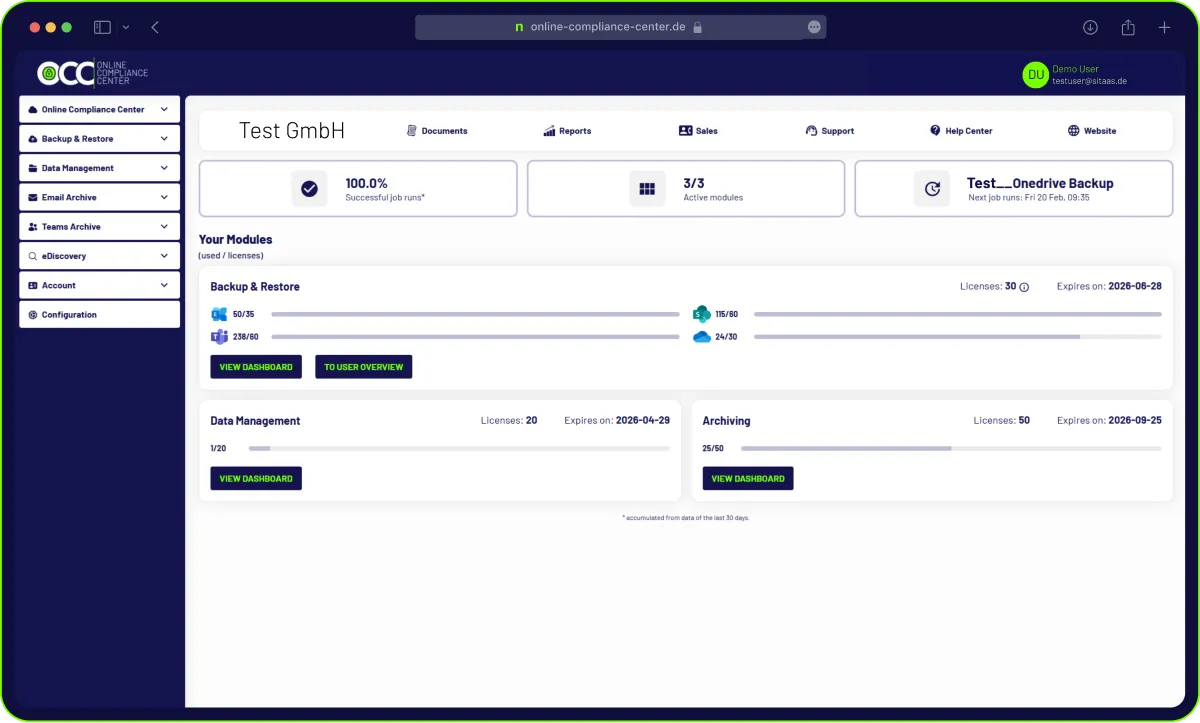
Everything at a glance: Your licensed modules, their usage and duration, various quick links, and contact options.
You can also use the navigation to access the individual subpages.
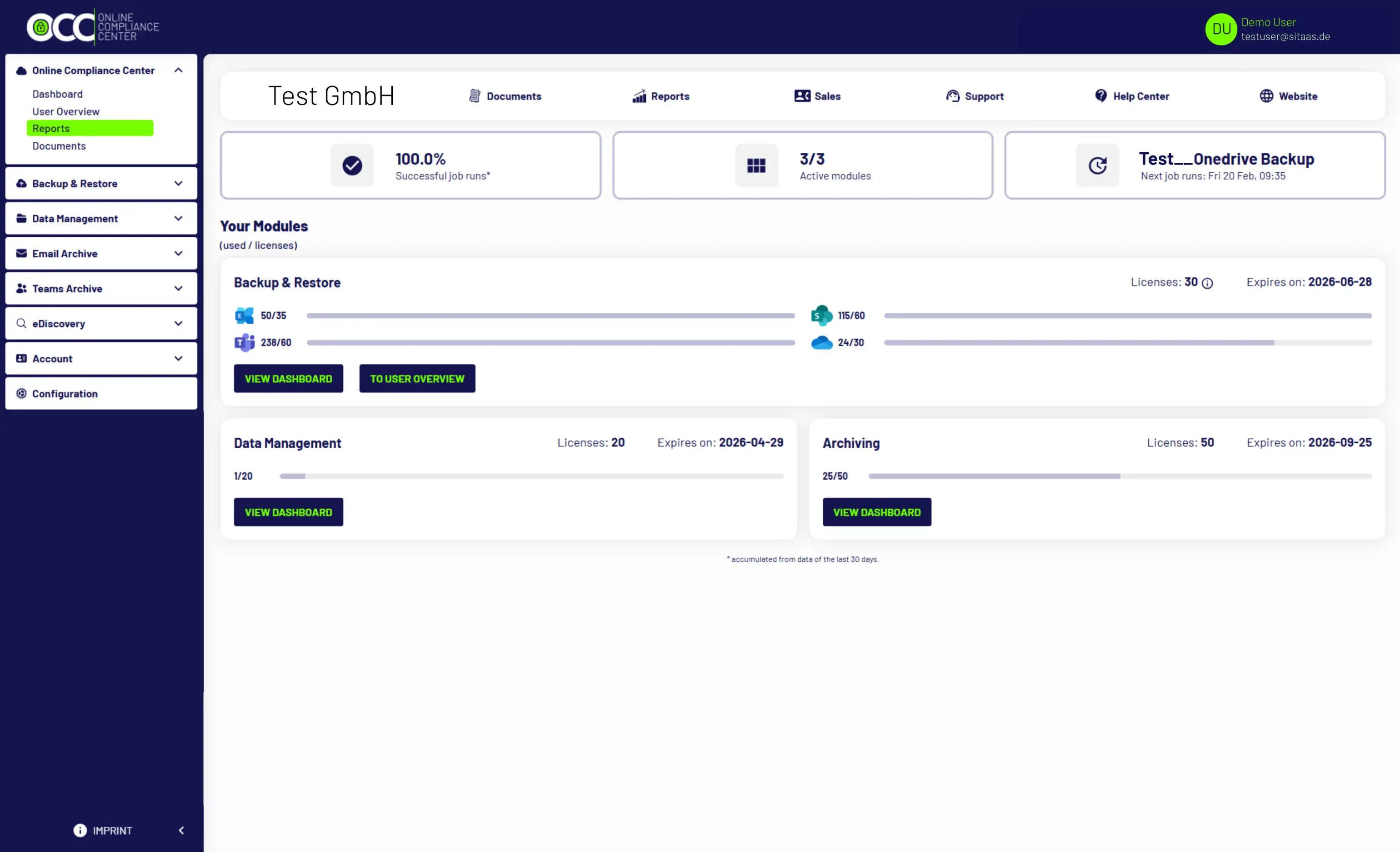
Let’s take a look at the reports. To do so, click on Reports.
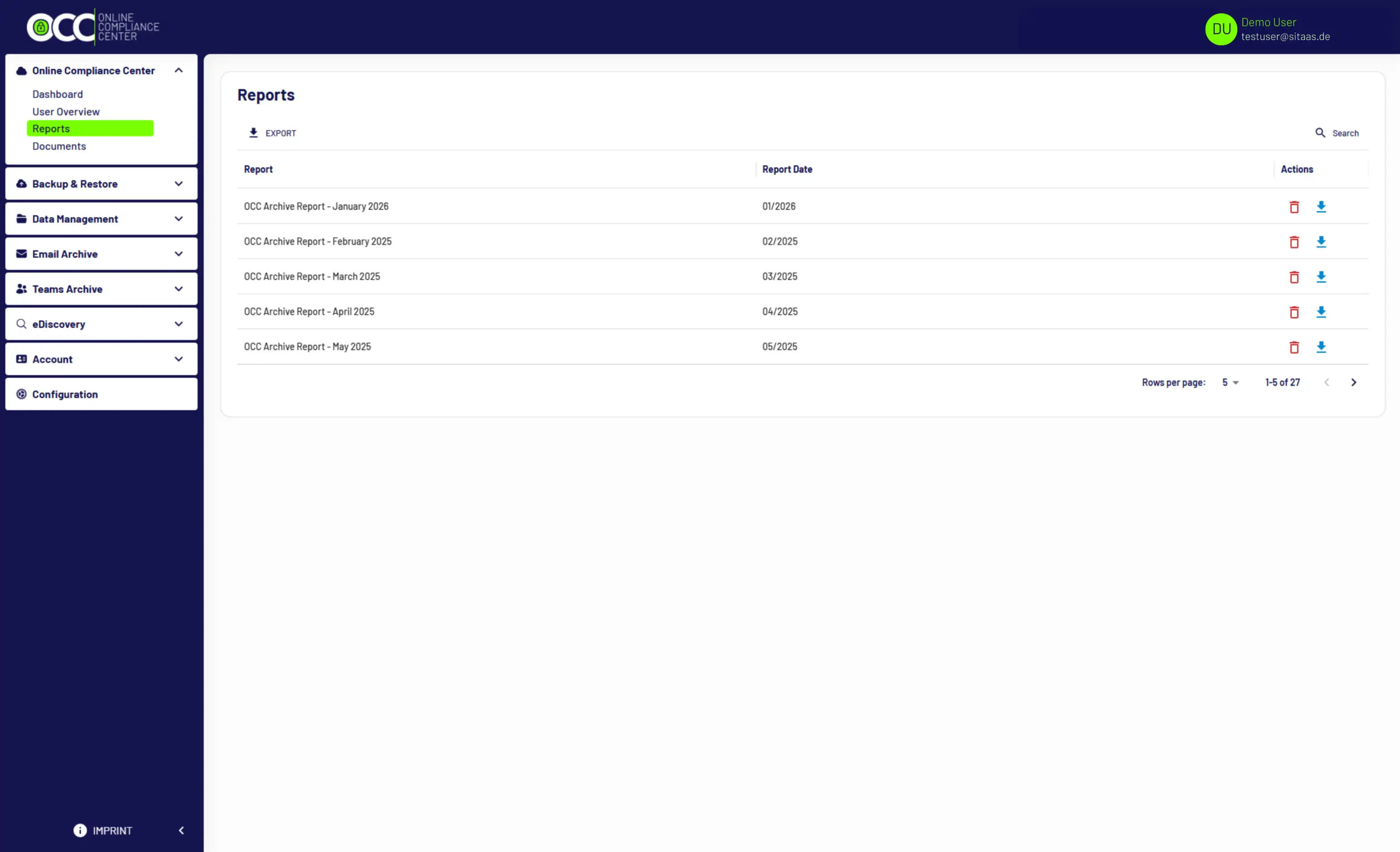
Your company-specific reports are displayed here. They include the monthly usage overview. The reports can be downloaded for review.
Take a look at your documents. To do so, click on Documents.
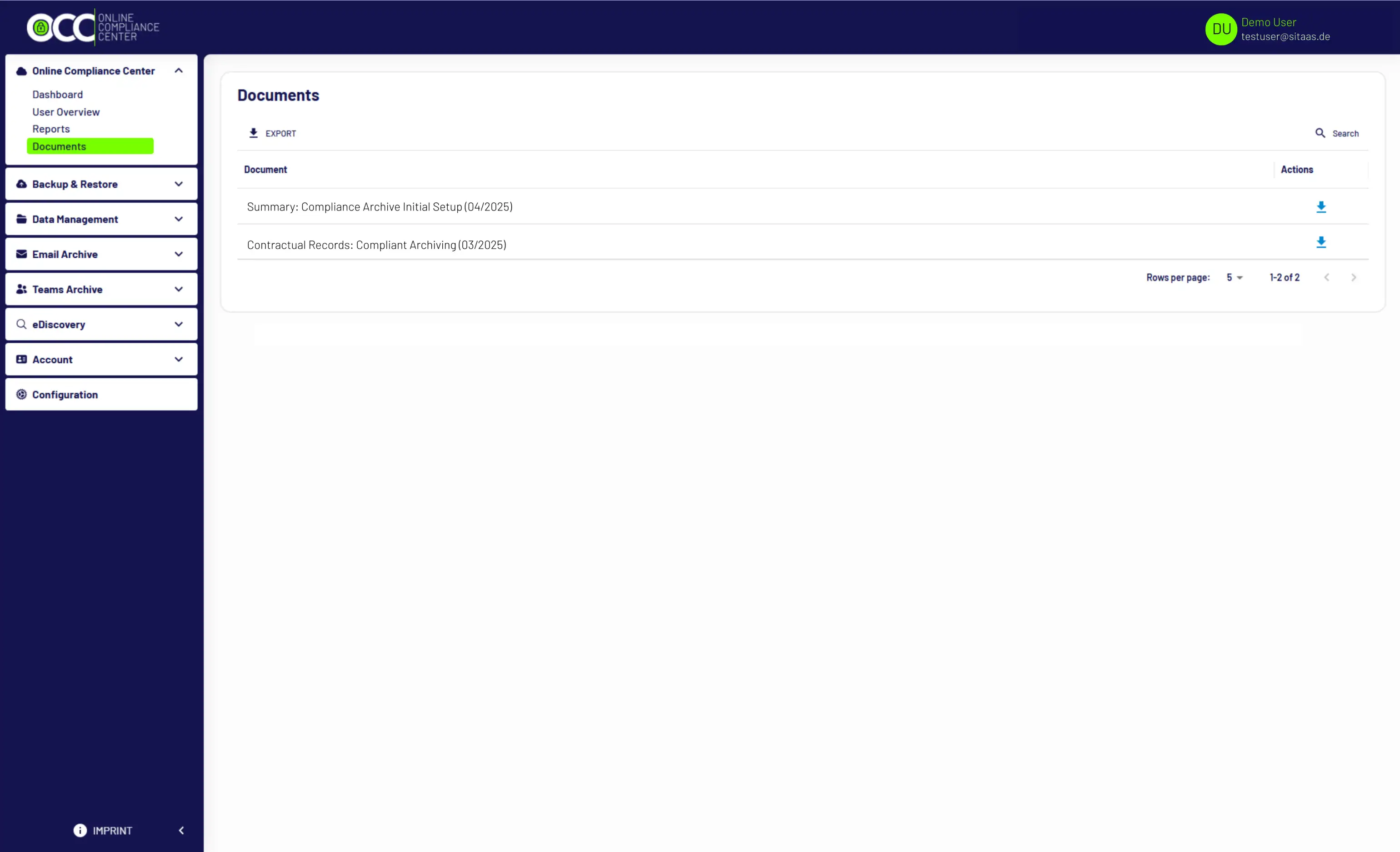
Here you will find customer-specific documents and agreements available for download as PDF files. User and admin guides, white papers, and other topics can be found in our Help Center.
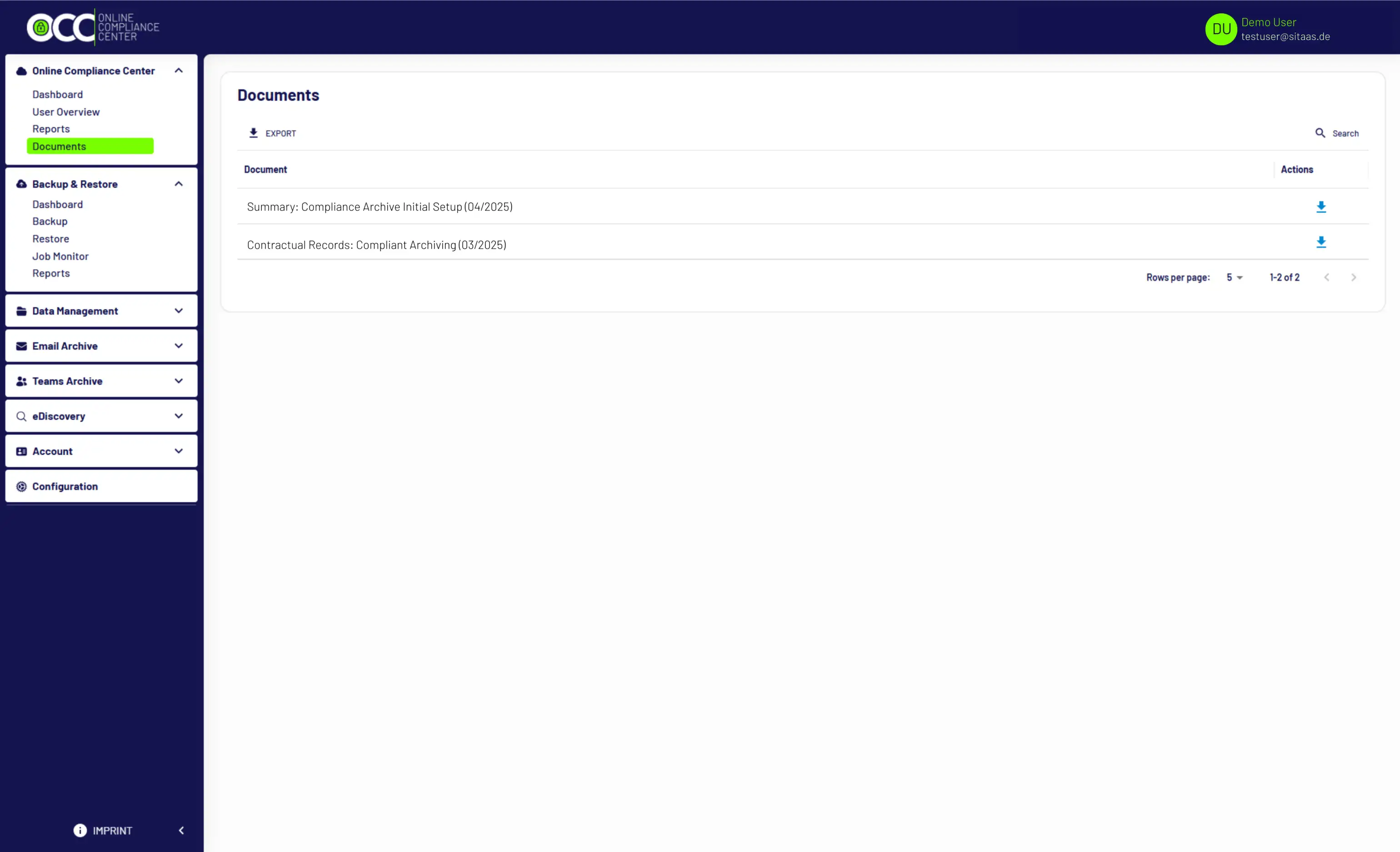
Click on Dashboard to get an overview of your individual backup data.
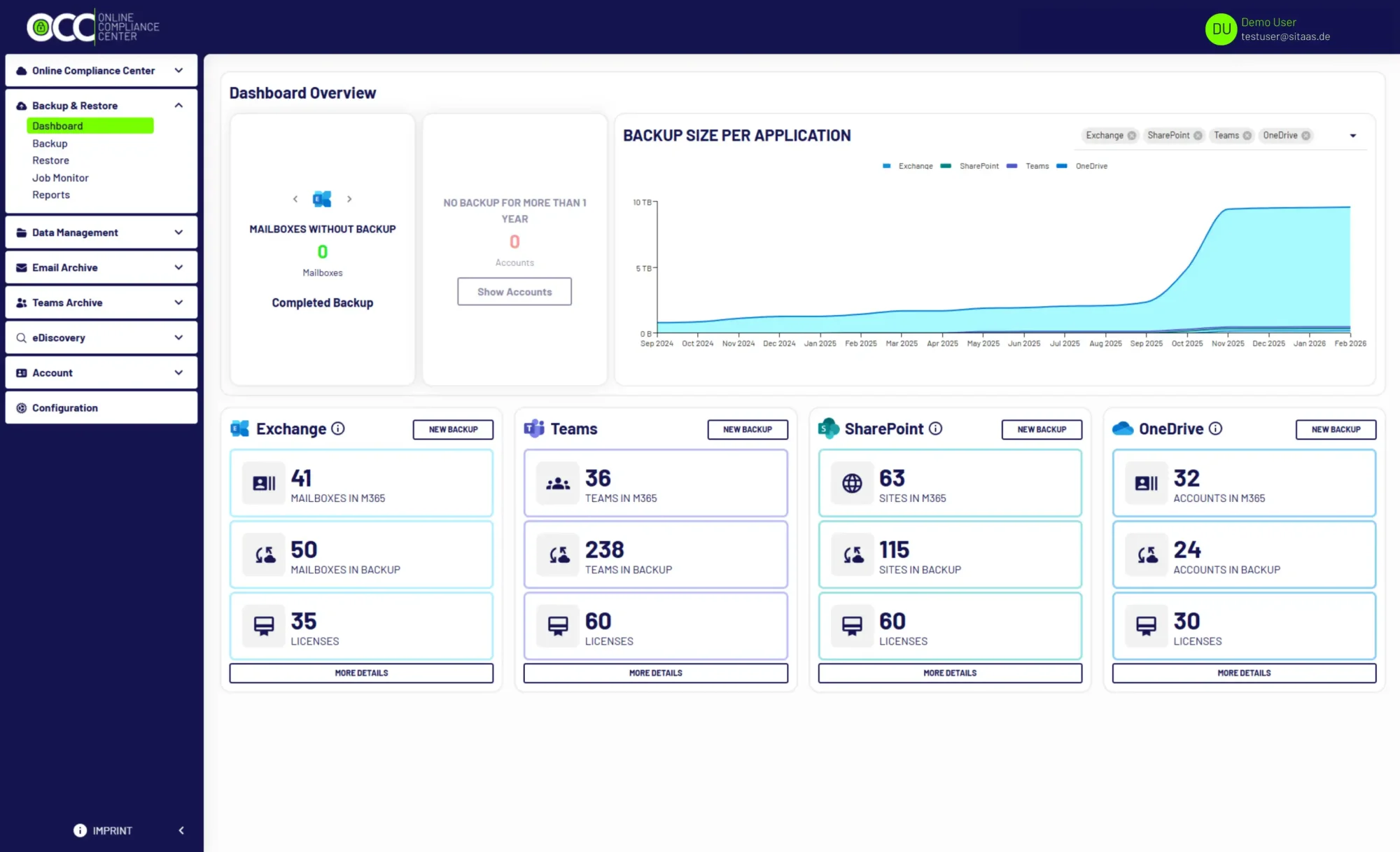
This dashboard provides a clear and concise overview of the most important information about your backups.
Using the navigation, you can access further details about a module, such as creating a backup job, viewing real-time job monitoring, or checking reports.
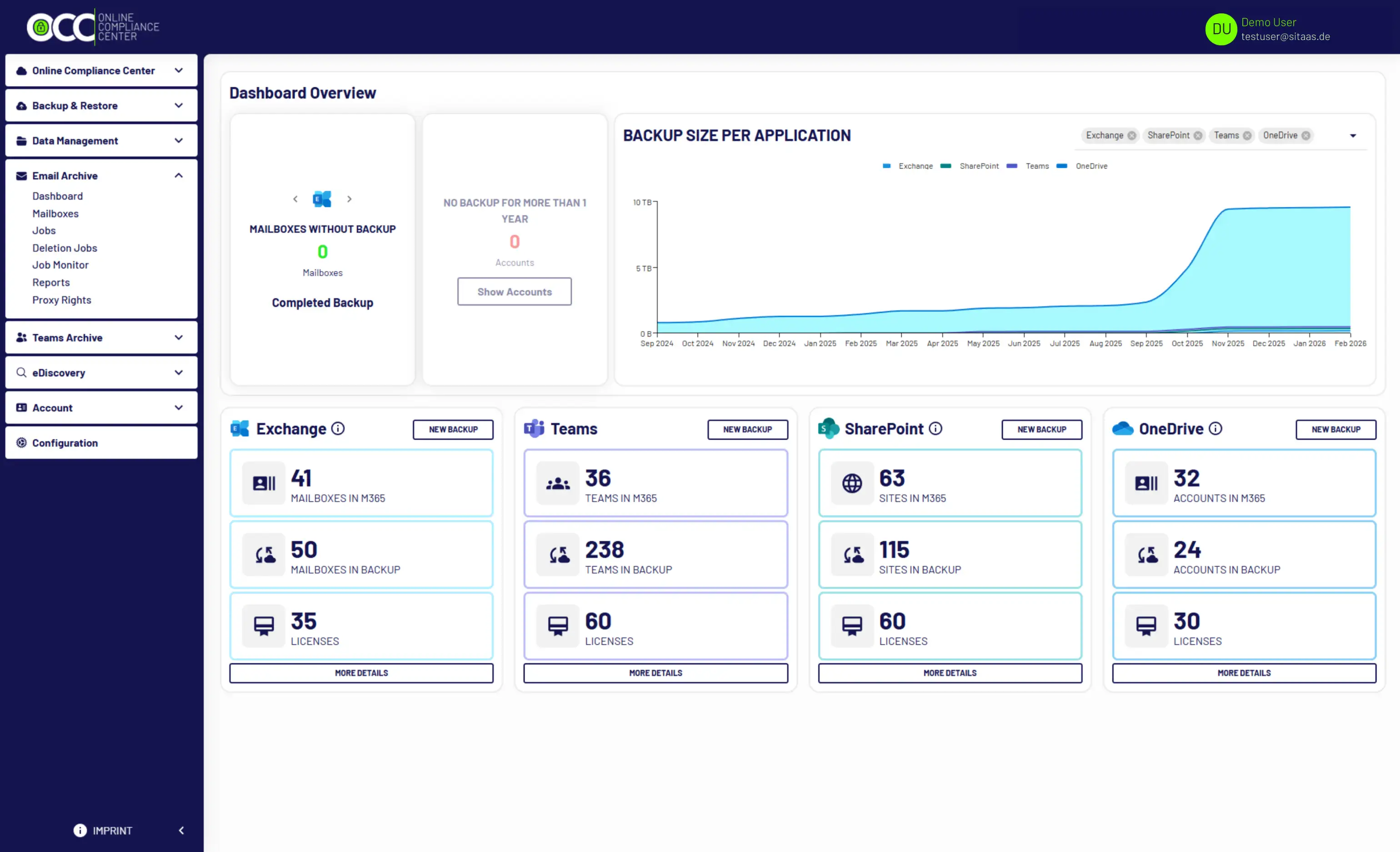
Click on Dashboard to get an overview of your individual Compliance Archive.
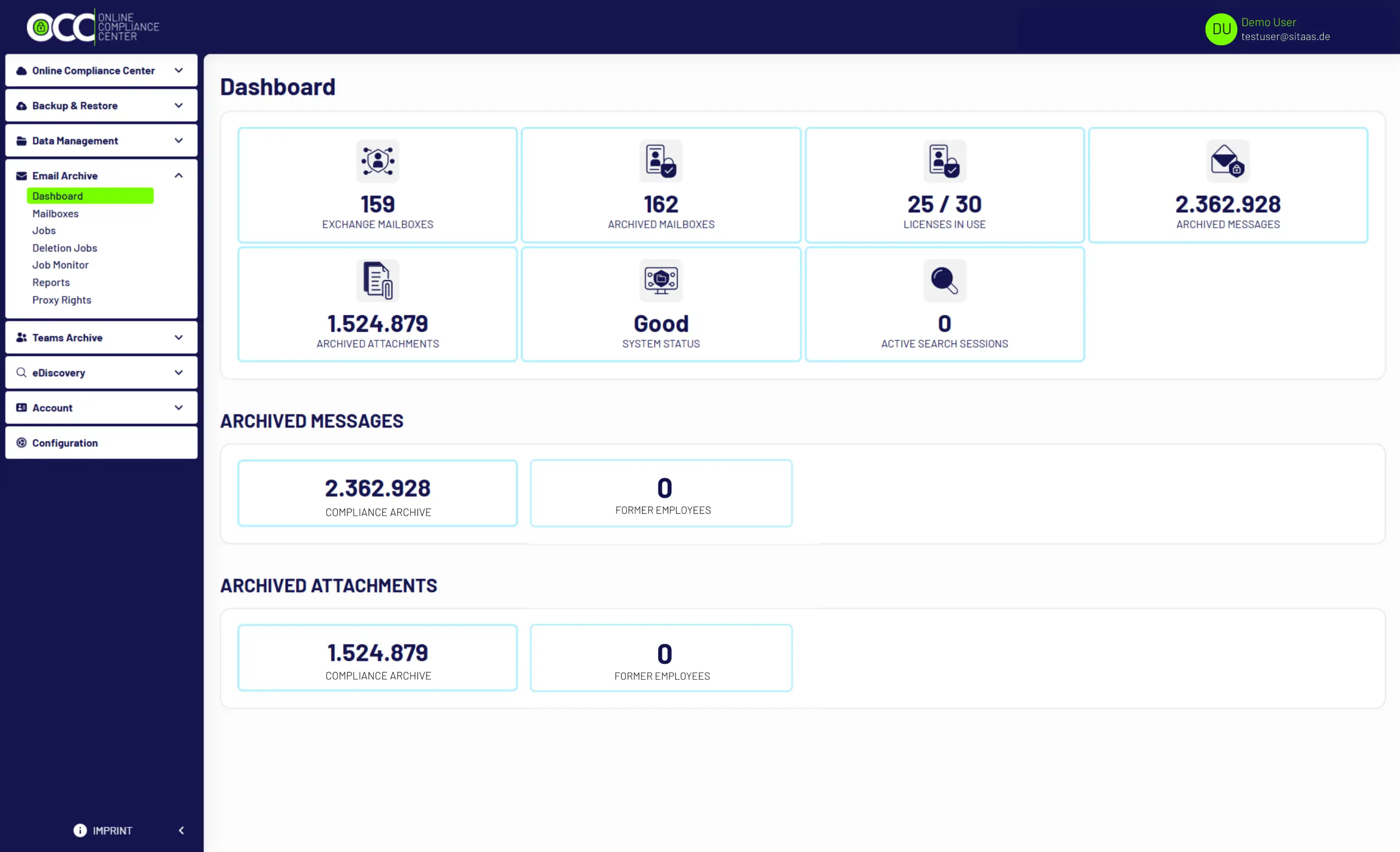
Using the navigation, you can access further details about a module, such as creating an archive job, viewing real-time job monitoring, or checking reports.
Here as well, you can use the navigation to access additional details.
Did you enjoy our tour of the Online Compliance Center?
Have we sparked your interest? We would be happy to inform you about the next steps.
Schedule an appointment now